







































 NL
 PL
 DA
 SV
 CS
 EL
 FI
 NB
 RO
 HR
 HU
 SK
 SL
 BG
 ET
 IS
 LT
 LV
 MK
 SR
 UK
 ZH-SG
 ZH-TW
 ZH-HK
 ZH-MO


How to create e-mail accounts in your cPanel
If you already have your website and domain set up with us at Estudio Ideas, it's time to learn how to create your corporate email accounts from cPanel. You don't need to be an expert to do this; in just minutes you can have your personalized email up and running.
✅ What is cPanel?
cPanel is a very user-friendly web management platform that allows you to manage your hosting accounts, email accounts, databases, and many other services easily. All from an intuitive interface.
🔐 How do I access my cPanel?
You can access your control panel in two ways:
Once there, use your username and password provided by our technical team.
📬 Create an email account step by step
-
Access cPanel.
Use one of the previous methods and log in with your credentials. -
Look for the “Email Accounts” icon.
You can type “email” or “correo” in the internal cPanel search to find it quickly. -
Click “Create” or “Add new account”.
-
Fill out the form:
-
Username: what goes before the @ (example: sales).
-
Domain: select the corresponding domain (if you have more than one).
-
Password: choose a secure one (you can use the automatic generator).
-
Disk space: assign a quota (for example, 1024 MB) or leave it as unlimited according to your plan.
-
-
Click “Create”.
And that's it! Your new email account is now available, and you can start sending and receiving emails from your professional domain.
🧰 And how do I access my email?
You can use Webmail to check your email online:
-
Use your full email address and the password you created.
-
Select your preferred email client (Horde or Roundcube, whichever you prefer).
🎯 Trouble setting it up?
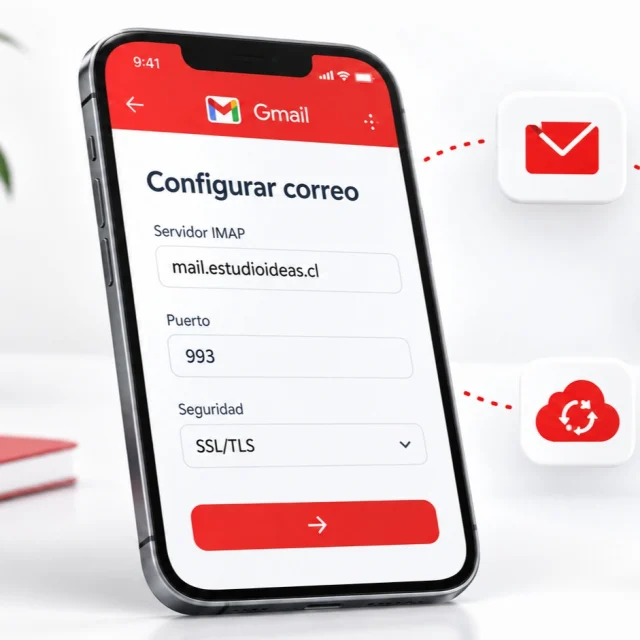
Don't worry. At Estudio Ideas, we offer free remote assistance via TeamViewer to ensure everything runs smoothly.
📩 Having a corporate email not only looks more professional, but it also builds more trust with your clients.
Don't have one yet? Contact us, and we'll activate it for you.
🌐 www.estudioideas.cl | 💬 Online support available


 General topics
 New services
 Support
 Support